
In this guide
Short answer: NVR storage depends mainly on the total recording bitrate, number of cameras, recording hours and retention days. Resolution alone is not a storage calculation. A practical estimate starts with the camera bitrate, converts it to daily data, multiplies by cameras and retention, then adds capacity for filesystem overhead, recording policy and future changes.
Storage questions appear in almost every commercial CCTV quotation. Customers may ask for 15, 30 or 90 days of footage, while the camera list only says “4MP” or “8MP.” The supplier and buyer should agree on recording mode and bitrate before selecting an NVR hard drive.
1. The simple storage formula
For continuous recording, a useful planning formula is:
Storage in GB ≈ bitrate in Mbps × 10.8 × recording hours per day × retention days × camera count ÷ 8
This is a planning estimate, not a manufacturer guarantee. A simpler rule for 24/7 recording is that 1 Mbps produces about 10.8 GB per day. For example, one camera averaging 4 Mbps for 30 days uses roughly 129.6 GB before overhead. Eight cameras at the same bitrate would use roughly 1.04 TB before overhead.
Use the expected average or configured bitrate from the selected camera and NVR profile. Variable bitrate, scene activity and codec settings can change the actual result, so final quotations should include a margin and should not promise an exact retention time without testing.
2. What changes the result?
Bitrate
Bitrate is usually the most useful input. A busy loading bay with movement may require more data than a quiet office. If a specification lists only resolution, ask for the expected main-stream bitrate and frame rate.
Resolution and frame rate
Higher resolution and frame rate can improve detail and motion rendering, but they also increase bandwidth and storage when bitrate is configured higher. The right setting depends on the evidence requirement. A warehouse overview does not always need the same frame rate as a gate used for vehicle movement.
Codec
H.265 can reduce storage compared with older compression settings at similar image quality, but compatibility and recorder support must be checked. “H.265+” or a vendor-specific smart codec should be treated as a setting to validate, not as a fixed percentage saving promised for every scene.
Continuous versus motion recording
Motion recording can reduce storage, but it may miss events caused by configuration errors, slow movement or lighting changes. Many commercial systems use continuous recording for critical cameras and event or sub-stream policies for lower-risk areas.
Want a retention estimate for your project?
Send the camera count, resolution, bitrate, recording hours and retention days. We can check the NVR bandwidth and storage plan together.
3. Worked planning example
Assume a project has 16 cameras, each configured around 4 Mbps, recording continuously for 30 days. The estimate is 4 × 10.8 × 24 × 30 × 16 ÷ 8, or about 24.9 TB before overhead. That number may be reduced by a different bitrate profile or recording policy, but it should not be reduced simply because the cameras are advertised as “smart.”
For a smaller project with four cameras at 2 Mbps, 24 hours per day and 14 days, the same method gives about 0.30 TB before overhead. Add practical headroom and confirm the NVR accepts the drive capacity. The final selection may be a different nominal size depending on available drive models and the customer’s retention tolerance.
4. Check the NVR, not only the hard drive
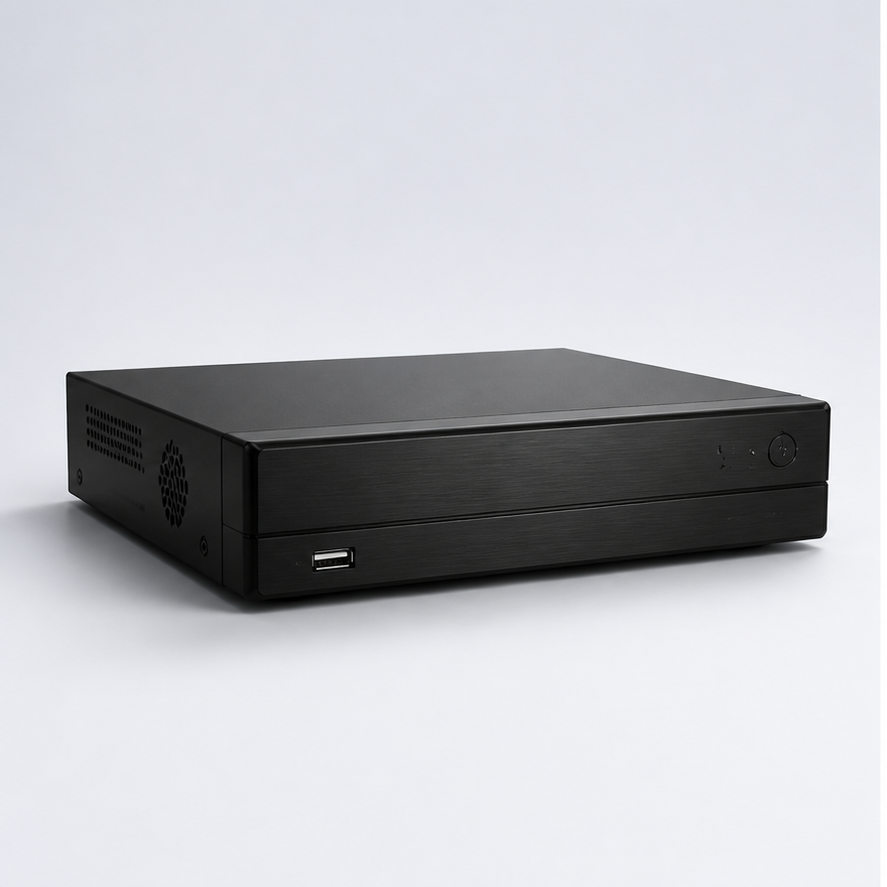
An NVR can have enough disk bays but still be unsuitable if its incoming bandwidth, supported camera count, decoding capability or maximum drive capacity does not match the project. Check:
- Number of IP channels and incoming bandwidth
- Supported resolution, codec and frame rate
- Maximum hard-drive capacity and number of bays
- RAID support if the project requires fault tolerance
- Playback performance and export method
- PoE port budget for integrated PoE NVRs
- Network uplink and future expansion allowance
Storage reliability also depends on the environment. Use surveillance-rated drives where appropriate, keep the recorder ventilated, configure time synchronization and test playback before handover. During shipment inspection, confirm the recorder model, drive configuration, labels and accessories against the approved packing list.
5. Retention is a business requirement
Ask why the customer needs the footage. A retail operator may need enough time to discover a stock discrepancy. A logistics customer may require a defined period for shipment disputes. A factory may need longer retention for safety or production investigations. The right storage plan follows the incident-review process.
Also decide what happens when storage is full. Most systems use overwrite, but the customer should know how long footage is expected to remain available and how important clips are exported and protected. A backup policy for critical incidents is separate from everyday NVR retention.
Frequently asked questions
How many TB do 8 cameras need for 30 days?
It depends on bitrate. At an average 4 Mbps per camera and 24/7 recording, the rough estimate is about 1.04 TB before overhead. At 8 Mbps, it is about 2.07 TB. Confirm the actual camera profile before ordering.
Is 2TB enough for four 4MP cameras?
It may be enough for a shorter retention period, but resolution alone cannot answer the question. Bitrate, frame rate, codec and recording mode must be known. Calculate from the configured bitrate and add headroom.
Does H.265 always halve storage?
No. Compression savings vary by scene, settings and comparison baseline. Treat codec efficiency as a reason to test and configure the system, not as a guaranteed universal percentage.
Should I use RAID?
RAID can improve availability in suitable recorders, but it is not a replacement for exporting important evidence or maintaining backups. The decision depends on recorder support, drive count, budget and the customer’s recovery requirements.
Conclusion
A credible NVR storage quotation is traceable: it shows camera count, bitrate, recording schedule, retention days, codec assumption, overhead and expansion margin. This makes the recommendation easier for an importer, integrator and end customer to approve. When the requirement is unclear, request the camera list and retention policy before promising a drive size.
Get a project-ready storage plan
Share your camera models or target specifications and required retention. We will help review NVR channels, bandwidth, drive bays and storage capacity.
What to carry into your project discussion
- A buyer-focused method for estimating NVR hard-drive capacity from camera count, bitrate, recording days, frame rate and retention requirements.
- Review 1. the simple storage formula before finalizing a product shortlist.
- Review 2. what changes the result? before finalizing a product shortlist.